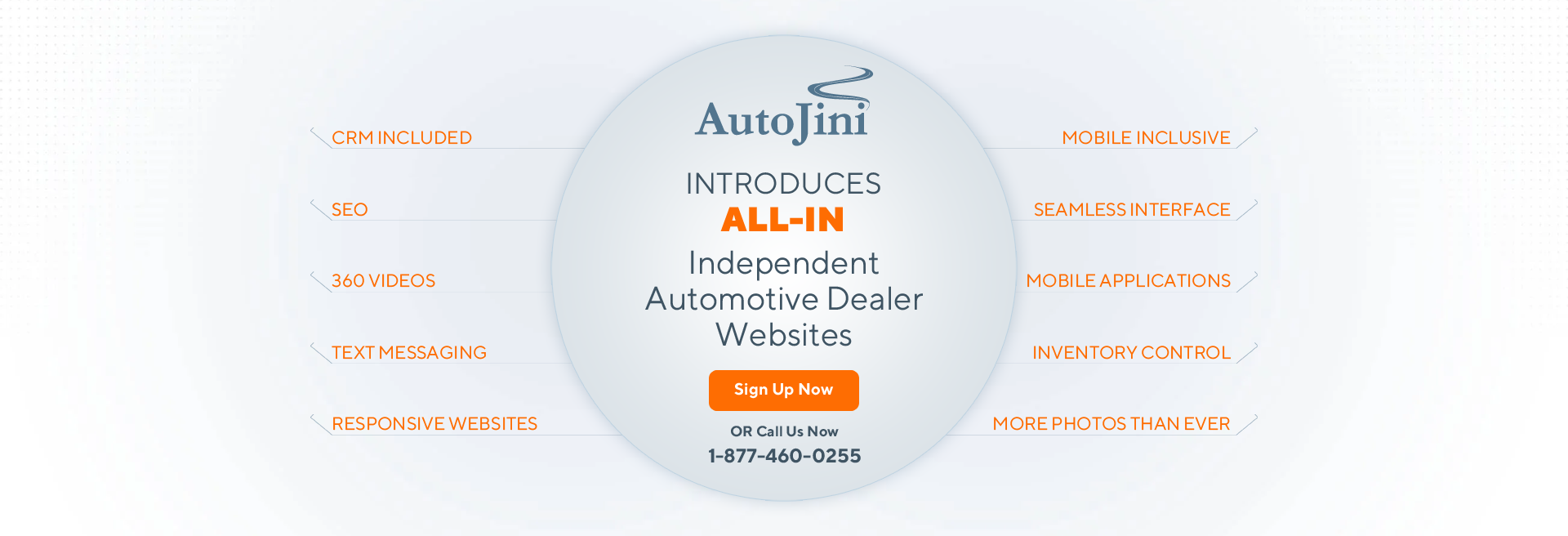
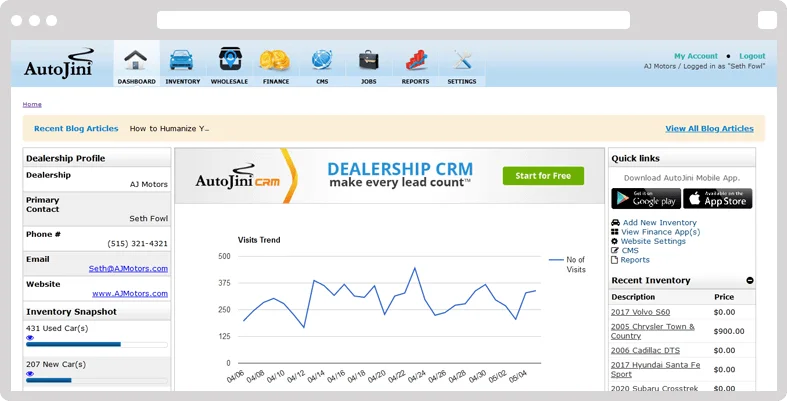
 When we say ALL IN™, we mean that we have decided to include all of the goodies that you are probably paying extra for with your current website provider including a CRM
Most website companies advertise! "Responsive" or "Mobile Friendly" websites
ALL IN™ Includes a Seamless Interface with reports that can be custom built, access to everything about your website you need to work with including the CRM login on the same page
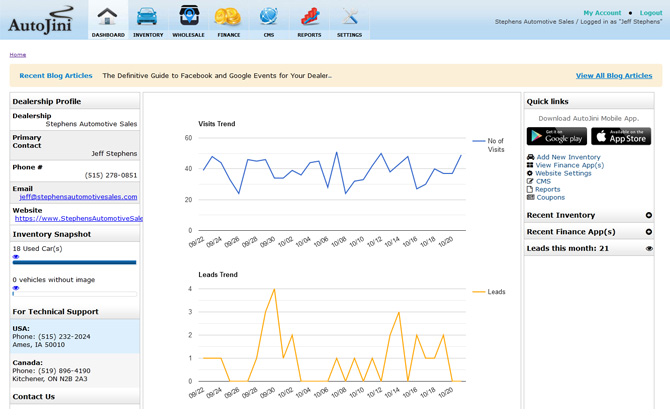

ALL IN™ Includes "Comprehensive Mobile Apps" to upload, edit, and fully manage your inventory from wherever you are connected on most smartphone formats. Plus much more that we will be glad to discuss with you. Don’t you really think your dealership needs to be
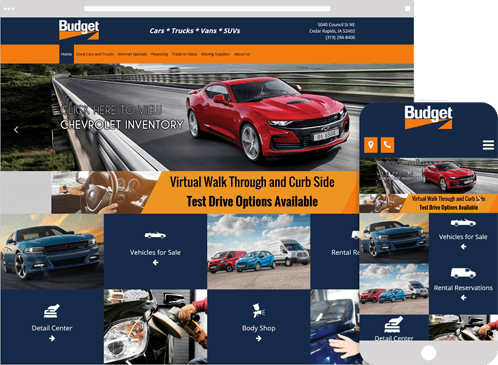
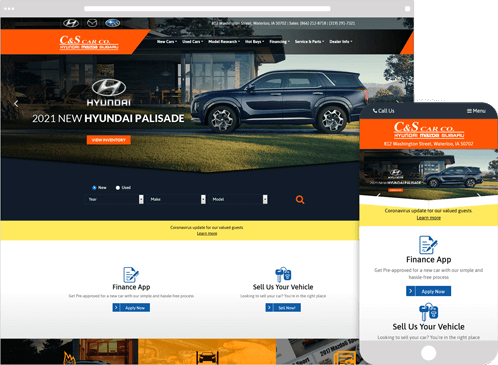
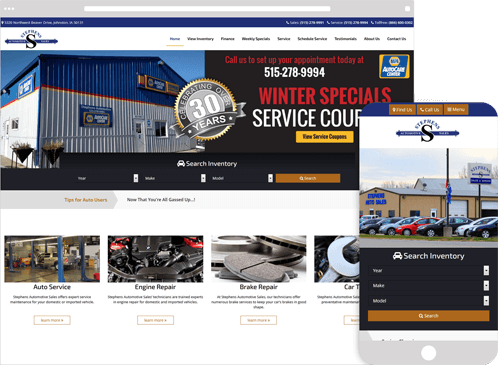

Drive more leads to your dealership with our beautifully designed responsive websites.

Capture and edit your inventory using our mobile apps and distribute to 175+ partners.

We provide web solutions and large scale app development for vendors, dealer and manufacturers.
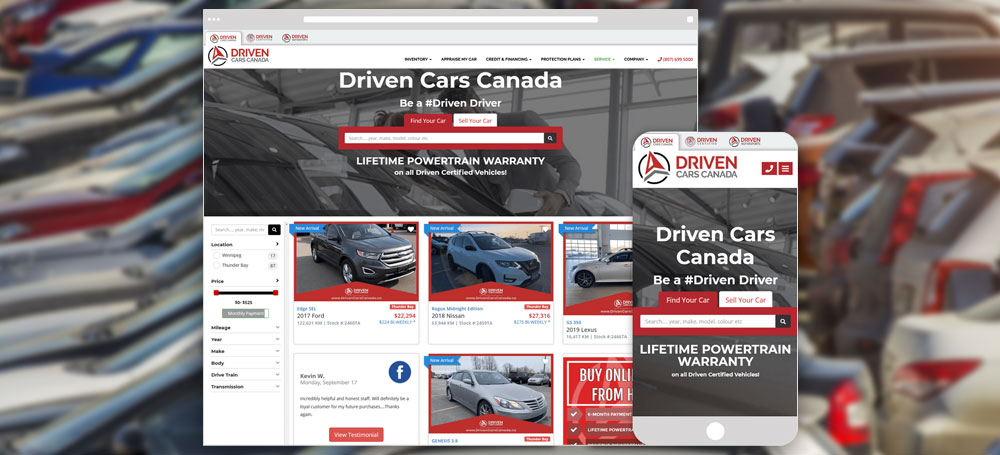
At AutoJini, we understand the unique challenges that come with creating effective websites for this industry. Auto dealerships require websites that are visuall ...

Social media has become an essential part of our daily lives, and businesses are now using it to connect with their customers and promote their produ ...

In today's digital age, it's essential for auto dealerships to have a strong online presence. One way to stand out from the competition is ...